
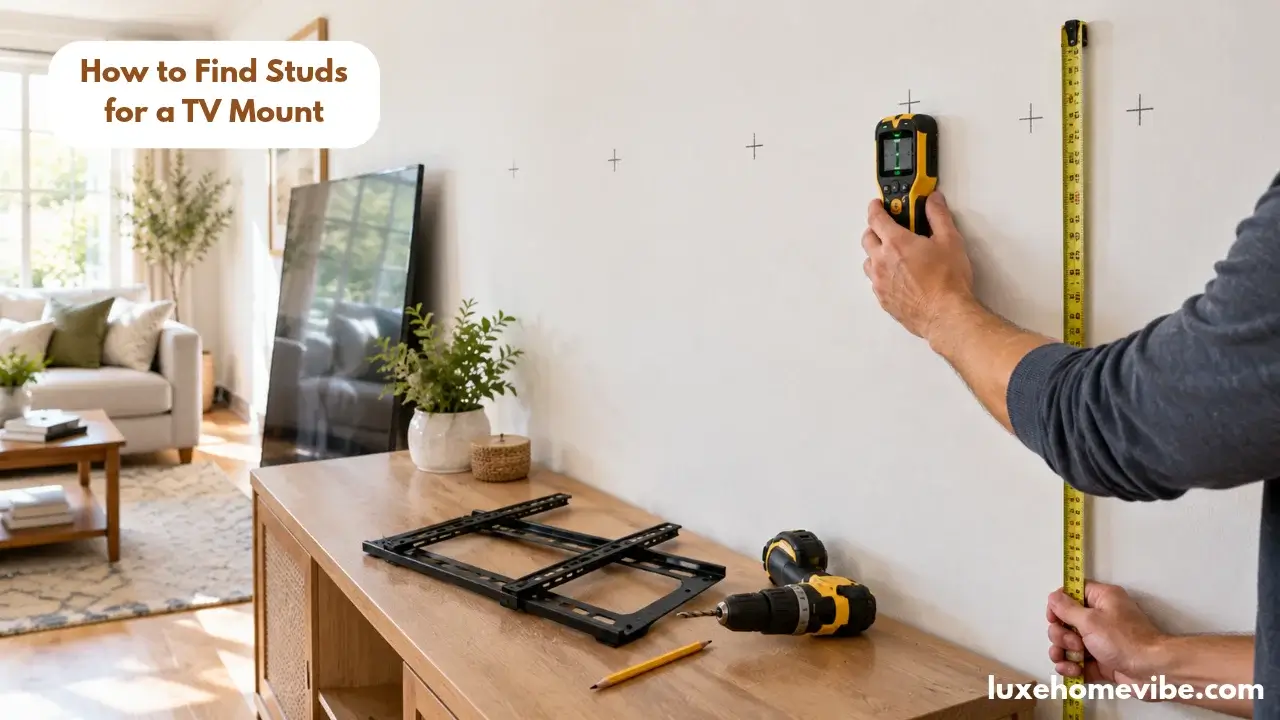
To find studs for a TV mount, scan slowly at your planned mounting height, mark both edges of two studs, then mark the centre where your lag bolts belong in those centres, nowhere else. An electronic finder with live-wire detection is the right tool; this job is too heavy for guesswork.
This post contains affiliate links. As an Amazon Associate, LuxeHomeVibe earns from qualifying purchases at no extra cost to you.
Quick picks
- Best finder for TV mounting: Franklin Sensors ProSensor M210 full-width stud display plus live-wire detection.
- Best value: Franklin Sensors ProSensor M150 nine sensors and the same centre-marking logic for less.
- Budget option: Zircon StudSensor A100 is workable for standard drywall if you mark edges carefully.
First, decide where the TV actually goes
The prettiest part of this job happens before any scanning. A wall-mounted TV above a console is the backbone of half the living rooms we feature, including the layered look in our cozy fall living room decor ideas, and its height decides whether the room feels designed or merely equipped.
As a working rule, the centre of the screen should sit near eye level from your seat, and the mount’s bracket holes must land where your studs actually are, which is not always where symmetry wants them.
So plan in this order: choose the seating-eye-level height, find the studs near that height, then nudge the TV position to meet the structure. Most mounts give you several inches of horizontal slide along their wall plate precisely so the screen can end up centred on the sofa while the bolts stay centred in the studs. Structure first, styling second the wall always wins arguments.
What you need
- An electronic stud finder with live-wire detection (check current price on Amazon)
- Painter’s tape and a pencil
- A tape measure and a level (or a laser line if you have one)
- A drill, a small bit for pilot holes, and the lag bolts supplied with your mount
- A slim nail for the edge-confirmation trick
Studs are usually spaced 16 inches apart on centre (24 inches in some walls), and most TV mounts need two studs. If your wall’s spacing or material turns out to be unusual metal studs, brick behind plaster, a chimney breast the method below still finds the truth; it just changes the hardware conversation at the end.
Step by step: find, centre-mark, drill
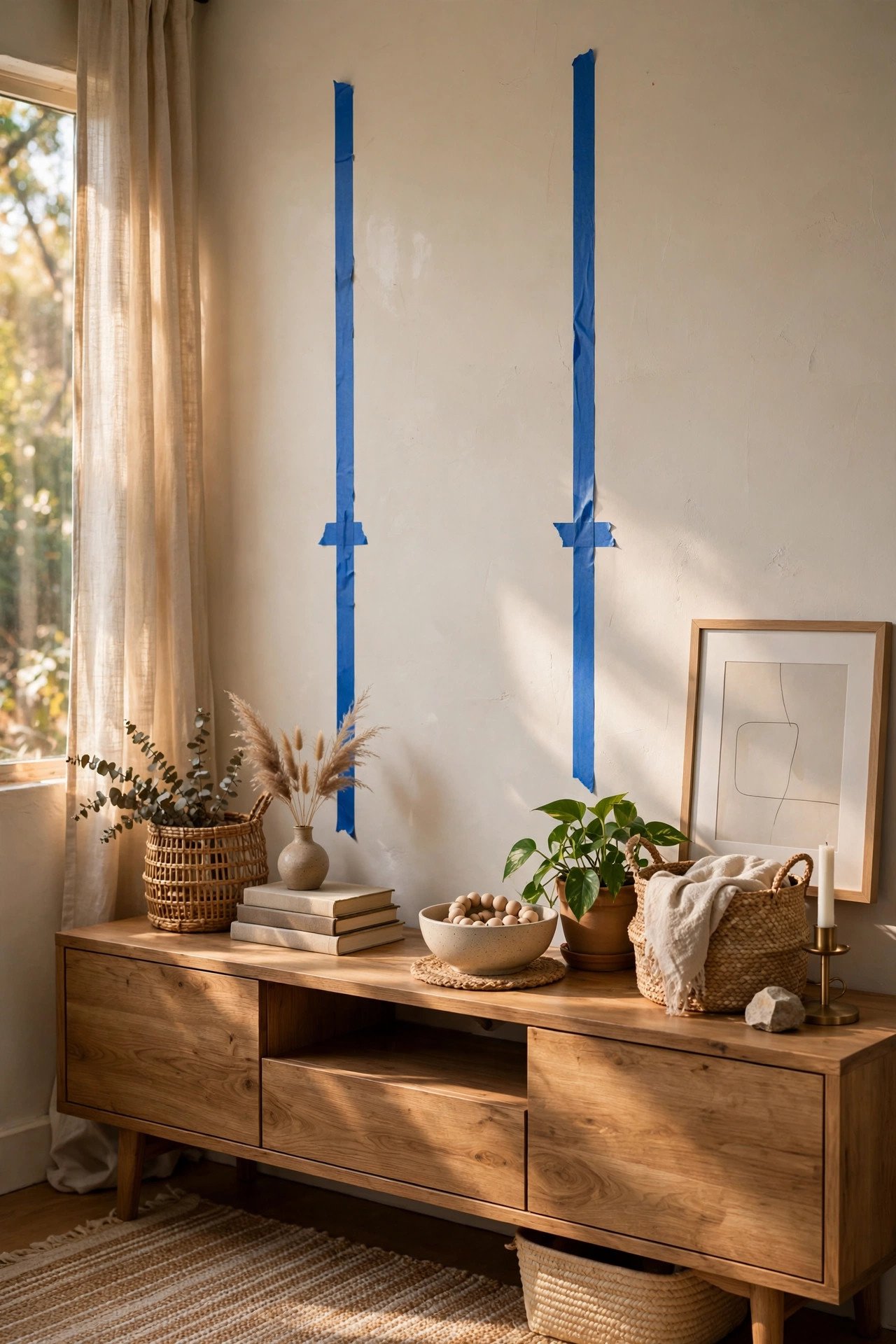
1. Sketch the target zone. Tape a rough rectangle where the TV will sit, at the height you chose. You are scanning the band where the mount’s wall plate will run a horizontal strip typically, so think in rows, not points.
2. Calibrate and scan slowly. Hold the finder flat, calibrate it on an empty stretch of wall as its instructions describe, then slide horizontally at a slow, steady pace across the taped zone. Speed is the number-one cause of bad readings; give the sensors time to think.
3. Mark the first stud’s edges. As the finder signals, note where the signal starts and where it ends. With a multi-sensor model such as the M210, the display shows the stud’s width directly; with an edge-finding model, mark both edges manually. Either way, you now know the stud’s span.
4. Mark the centre; this is the whole game. Split the two edge marks and draw your centre line on the tape. A lag bolt near a stud’s edge can split the timber or tear out under the TV’s sustained, forward-leaning load; the centre is where the holding power lives. This centre-mark habit is the core skill in our best stud finders for home projects guide too.
5. Find the second stud. Measure 16 inches from your first centre and scan there; confirm with the same edge-marking routine rather than trusting the measurement alone. Renovations, doubled studs around openings, and plain builder whims all break the 16-inch assumption often enough that verification is not optional.
6. Confirm with the nail trick. At a spot that will hide behind the TV, tap a slim nail at a shallow angle where you believe each centre is. Solid resistance the whole way means timber; a hollow give means you have missed and should re-scan before any drilling happens.
7. Run the wire check. Use the finder’s live-wire detection across the drilling zone. Cable runs often travel vertically from outlets to switches, sometimes exactly where a mount wants to go. A warning means move the fixing or rethink the position; never negotiate with it.
8. Transfer the mount’s hole pattern. Hold the wall plate against your centre lines, level it, and mark the bolt holes precisely on the tape. Drill pilot holes on the marks still through the tape, which keeps the bit from skating on paint, then drive the lag bolts as the mount’s instructions specify.

The failure warnings nobody puts in the manual
- Drilling on an edge mark. The single most common TV-mount failure. Edge fixings split studs and pull out slowly, usually at 2 a.m. Centres only.
- Trusting one beep. Scan each stud at least twice, at slightly different heights. Consistent readings are real; one-off chirps are often pipes, straps, or noise.
- Ignoring what’s behind the wall. Fireplace flues, plumbing stacks, and bathroom wet walls all hide behind innocent living-room paint. If resistance changes oddly while drilling, stop and reassess.
- Assuming drywall anchors can substitute. A large TV on hollow-wall anchors is a countdown, not an installation. If studs genuinely cannot serve the spot, that is a change-the-plan or call-a-professional moment.
- Forgetting the console below. The styled look TV floating above a media console needs the bottom of the screen planned against the console height and decor, not just the bracket. Revisit the finished composition, not just the holes.
Which finder should you actually buy for this job?
For a mount you will trust with an expensive screen, the Franklin Sensors ProSensor M210 (around $59.99; check current price on Amazon) is the researched favourite: 13 sensors paint the stud’s full width, and live-wire detection adds the safety layer this job specifically needs. The M150 (roughly $45–55; check current price on Amazon) keeps the same approach with nine sensors and suits standard drywall rooms perfectly well.
The Zircon StudSensor A100 (around $24 check current price on Amazon) can do the job on plain drywall if you are disciplined about marking both edges, but it asks more technique of you.
Magnetic finders have a supporting role only: they can trace a stud line quickly, as shown in the magnet trick for finding studs, but they cannot confirm centre or wires. For a TV, use the magnet as a cross-check, never as the only evidence. See it on Amazon to compare the current Franklin and Zircon options side by side.

FAQs
How to Find Studs for a TV Mount ?
Most mounts are designed for two studs, and that is the right target for medium and large screens. Very small TVs on single-stud mounts exist, but two centred studs is the safer default whenever the wall allows it.
What if my studs are 24 inches apart and the mount is smaller? .
Choose a mount whose wall plate spans your spacing, or one with enough slide range to catch both studs. Never solve spacing problems by bolting one side into drywall
Can I mount a TV with no studs at all?
On masonry with proper masonry fixings, yes. On hollow drywall, no — not safely for anything beyond the smallest screens. Change the position, add a suitable mounting board fixed across studs, or hire an installer.
How do I avoid drilling into a wire?
Use a finder with live-wire detection, scan the whole drilling zone, and treat every warning as final. Also remember cables often run vertically above outlets and switches plan bolt positions with that map in mind.
The finder and the magnet disagree. Who wins?
Neither, yet. Disagreement means uncertainty, so use the nail-confirmation trick behind the TV area and re-scan slowly; only drill when two methods and a physical check all agree.
Conclusion
Centre-mark two studs, respect the wire warnings, and a TV mount becomes a calm one-hour job instead of a leap of faith. Get the finder decision right, check the current price on Amazon, then hang the screen, style the console beneath it, and enjoy the part you actually bought the TV for.